A Guide to Choosing and Buying External GPUs
Introduction
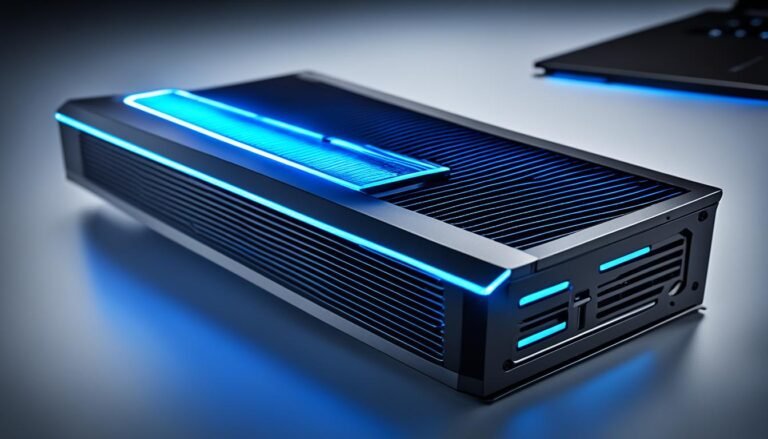
If you’re in the market for a new external GPU (Graphics Processing Unit), you’ve come to the right place. With the increasing demand for powerful graphics performance, external GPUs have become a popular choice for those who need to enhance their computer’s graphics capabilities. In this guide, we will provide you with valuable insights on how to choose the right external GPU and where to buy it.
Factors to Consider
When selecting an external GPU, there are several factors to consider:
Compatibility
First and foremost, you need to ensure that the external GPU you choose is compatible with your computer. Check the specifications of your computer, including the available ports and the power supply requirements, to ensure that the external GPU you select will work seamlessly with your system.
Performance
The performance of an external GPU is a crucial factor to consider. Look for GPUs that offer high-quality graphics rendering, smooth gameplay, and support for the latest technologies. Consider the GPU’s clock speed, memory capacity, and CUDA core count to gauge its performance capabilities.
Connectivity
Consider the connectivity options provided by the external GPU. Look for GPUs that offer a variety of ports, such as HDMI, DisplayPort, and USB-C, to ensure compatibility with your monitors and other peripherals. Additionally, check if the GPU supports Thunderbolt connectivity for faster data transfer speeds.
Price
Set a budget for your external GPU purchase. Prices can vary significantly depending on the brand, performance, and features of the GPU. Research different models and compare their prices to find the best value for your money.
Where to Buy
Now that you have an idea of what to look for in an external GPU, let’s explore where you can buy them:
Online Retailers
Online retailers such as Amazon, Newegg, and Best Buy offer a wide range of external GPUs from various brands. These platforms provide user reviews, detailed product descriptions, and competitive pricing. Make sure to read customer reviews to get an idea of the product’s performance and reliability.
Manufacturer Websites
Many GPU manufacturers, like NVIDIA and AMD, have their own official websites where you can purchase their products directly. Buying from the manufacturer’s website ensures that you are getting genuine products and may offer exclusive deals or promotions.
Brick-and-Mortar Stores
If you prefer a hands-on experience or need immediate access to an external GPU, consider visiting brick-and-mortar stores like Best Buy or Micro Center. These stores often have knowledgeable staff who can assist you in finding the right external GPU for your needs.
Second-hand Marketplaces
If you’re on a tight budget, you can explore second-hand marketplaces like eBay or Craigslist for used external GPUs. However, be cautious when buying from these platforms and ensure that you are purchasing from a reputable seller.
Conclusion
Choosing and buying an external GPU doesn’t have to be a daunting task. By considering factors such as compatibility, performance, connectivity, and price, you can make an informed decision. Whether you prefer to shop online or visit physical stores, there are plenty of options available for purchasing external GPUs. Remember to do thorough research and read reviews before making your final purchase. Happy shopping!